
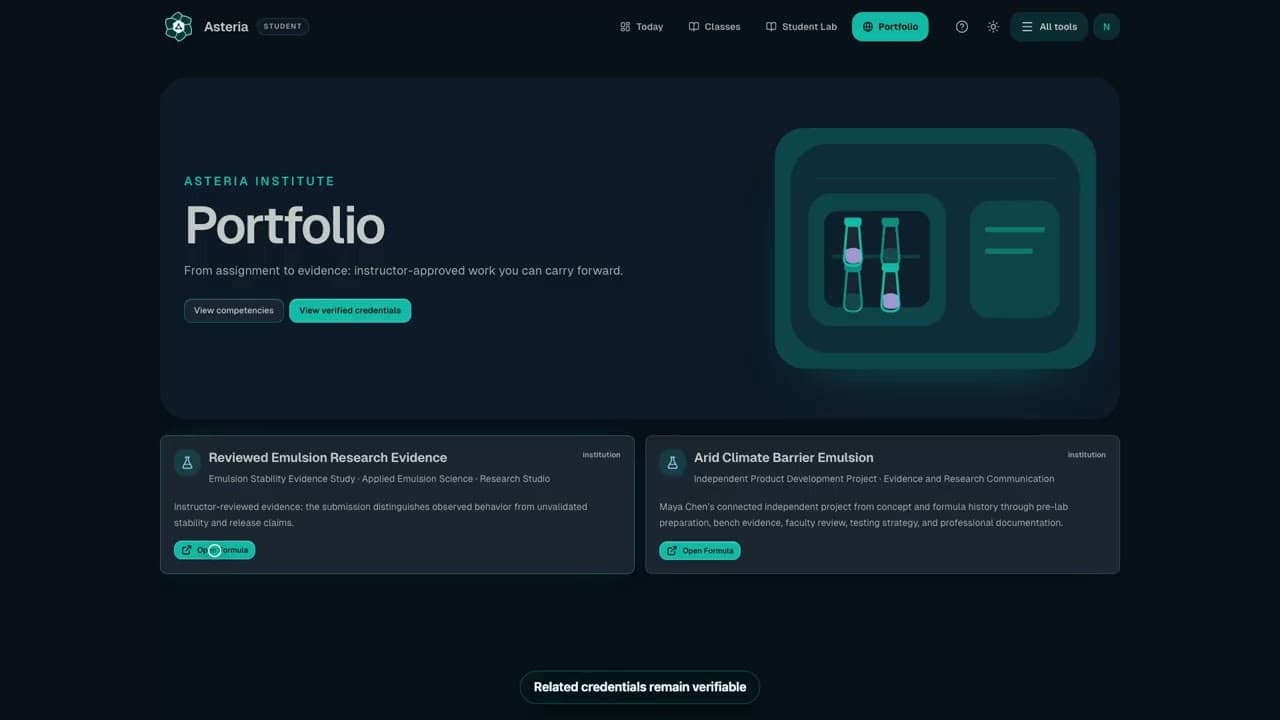
Watch the workflow18 sec
Add approved work to your portfolio
Find the portfolio action after assignment approval.
Watch the workflowSteps
- Open an assignment marked Approved.
- If Portfolio Case Study offers Create Portfolio Entry, add a clear title, short summary, goal, process/evidence, and reflection.
- Choose Create Portfolio Entry and open Portfolio to review it.
Check it worked
The entry appears in your portfolio.
Keep in mind
Approval of an assignment does not automatically issue a certificate; your school controls credentials and any public sharing.
Your portfolio summary does not automatically include the full private formula, instructor feedback, or grading details. Review the summary before sharing it.
Next step
Related next steps
Still need a person?
If Help and Docs did not get you where you need to go, send us your question and we'll route it to the right team.
Contact the Teamsupport@formuley.io