
Watch the workflow20 sec
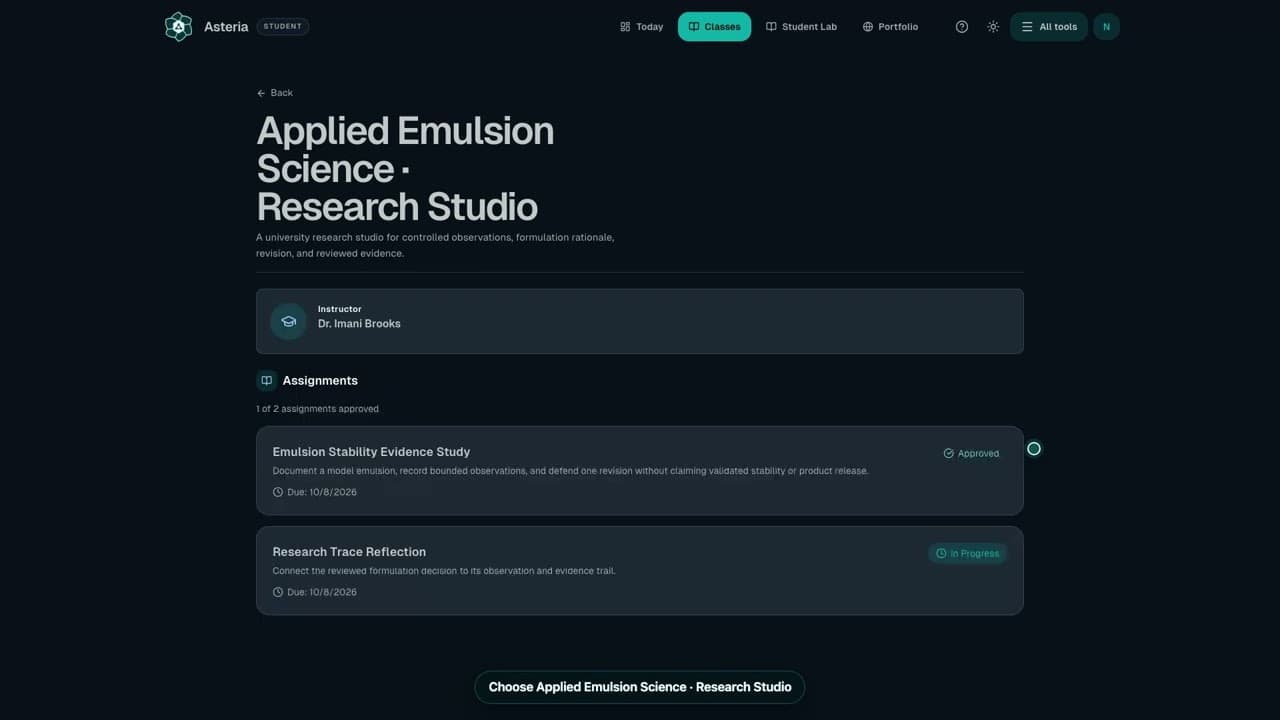
Find your class and assignment
Open the class that contains your coursework.
Watch the workflowSteps
- Open Today for the next item, or Classes and select your class.
- Choose the assignment by name.
- Read Assignment brief, the deadline, current status, and What to do next.
Check it worked
You know what to make and which action to take.
Keep in mind
If your class is missing, ask your instructor or school administrator; do not create a second account.
Next step
Related next steps
Still need a person?
If Help and Docs did not get you where you need to go, send us your question and we'll route it to the right team.
Contact the Teamsupport@formuley.io