
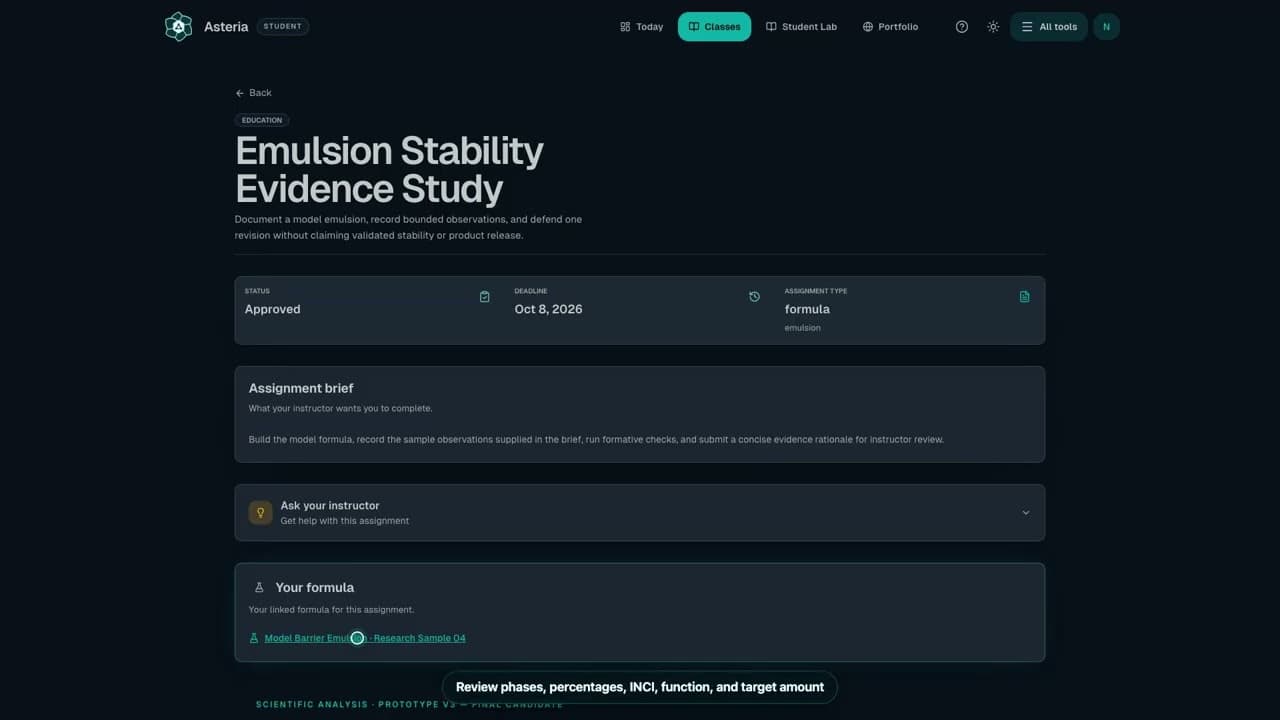
Watch the workflow24 sec
Review a formula linked to an assignment
Open the formula from its assignment page.
Watch the workflowSteps
- Open the formula from the assignment rather than creating an unrelated formula.
- Enter the ingredients, amounts, process, reasoning, and observations required by the brief.
- Save in the formula workspace and return to the assignment to confirm the linked formula is the one you edited.
- Keep tests you have not performed and claims you have not verified clearly marked as pending.
Review each phase, ingredient percentage, INCI name, function or note, target amount, and pH reference when present.
Check it worked
Your latest formula work is saved and linked to the right assignment.
Keep in mind
A private practice formula in Student Lab is separate until you explicitly connect it where the school allows that action.
Next step
Related next steps
Still need a person?
If Help and Docs did not get you where you need to go, send us your question and we'll route it to the right team.
Contact the Teamsupport@formuley.io