
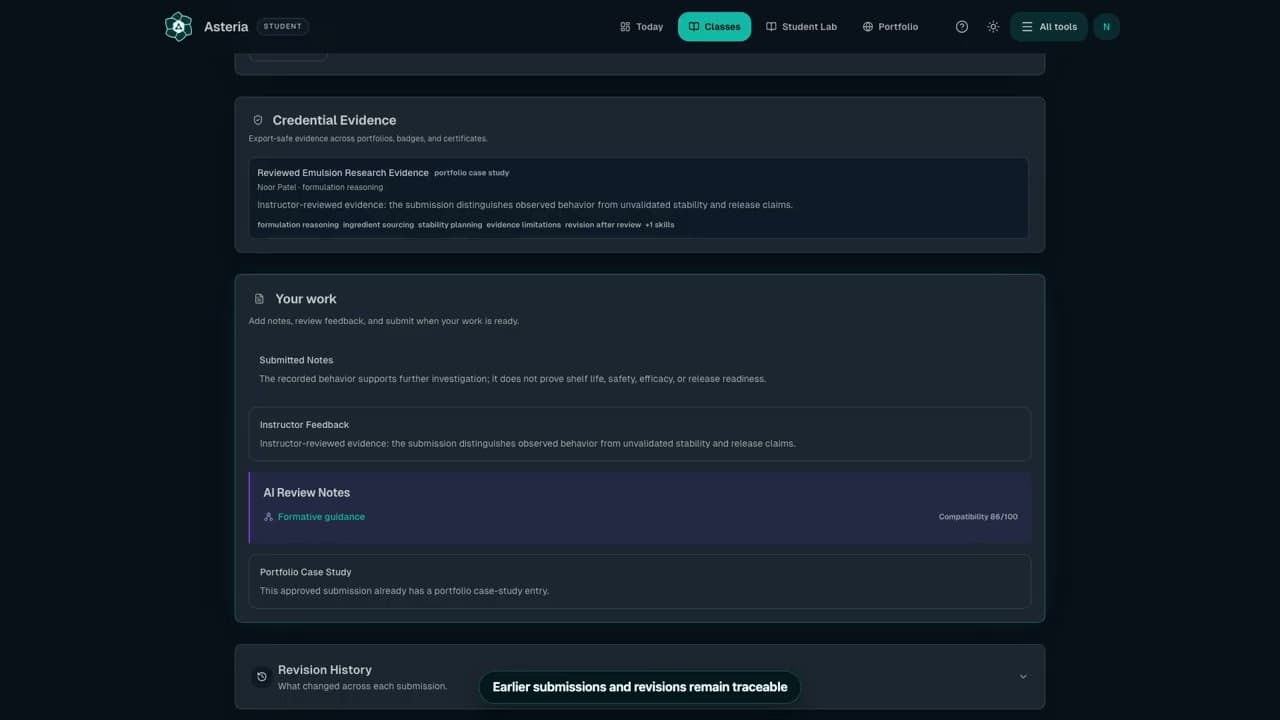
Watch the workflow16 sec
Follow feedback and submit revisions
Find feedback when your instructor requests a revision.
Watch the workflowSteps
- Open the assignment marked Needs revision and read Instructor feedback.
- Open its linked work, make the requested changes, and update your notes to explain what changed.
- Return to Your work and choose the available resubmit action.
- Confirm the status returns to submitted or awaiting review.
Check it worked
The revised work is tied to the original assignment and your instructor can see the new attempt.
Keep in mind
Do not start a duplicate assignment to respond to feedback.
Next step
Related next steps
Still need a person?
If Help and Docs did not get you where you need to go, send us your question and we'll route it to the right team.
Contact the Teamsupport@formuley.io